


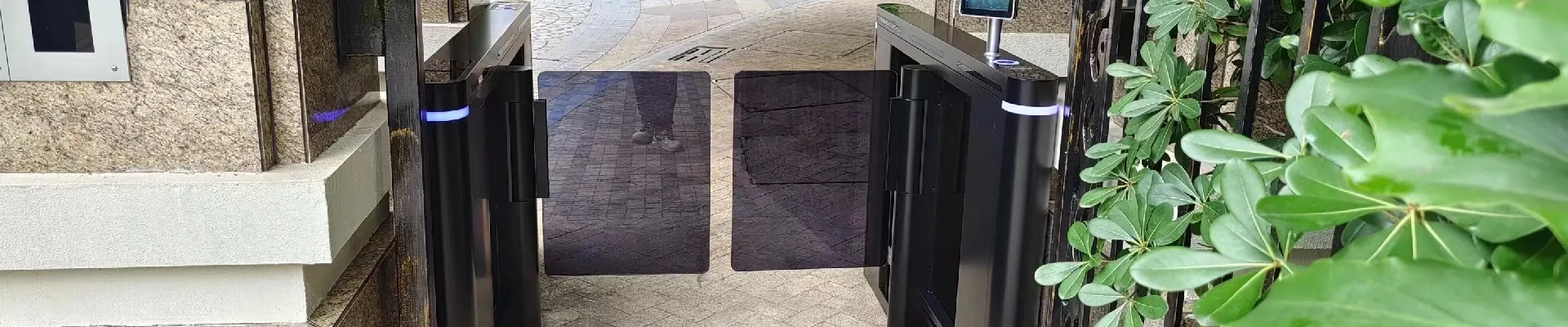
Introduction and video about technical support
Technical Support for Turnstile Systems: Installation, Maintenance & Troubleshooting Guide
Video Tutorial Included Below
Ensuring your turnstile system operates smoothly and efficiently is essential for maintaining secure and streamlined access control. In this article, we provide a comprehensive overview of the technical support available for our turnstile products — including installation guidance, routine maintenance, and common troubleshooting tips.
Turnstile Installation: Step-by-Step Overview
Our turnstiles are designed for fast and flexible installation, whether you’re setting them up in a commercial building, subway station, or gated community.
Key Installation Tips:
Site Preparation: Ensure a level, stable surface and proper alignment with entry/exit points.
Power Supply Setup: Connect to the correct voltage (usually 110V/220V); follow the wiring diagram included in the manual.
Access Control Integration: Easily link with RFID, fingerprint, facial recognition, or QR code systems.
Testing: Power on and test passage direction, unlocking mechanisms, and alarms.
Watch the video below for a full walkthrough of installation in under 10 minutes.
Routine Maintenance Recommendations
Proper maintenance extends the life of your equipment and ensures reliable operation.
Maintenance Checklist:
Monthly Check: Inspect mechanical parts for wear, lubricate rotating arms.
Quarterly Cleaning: Remove dust, clean sensor lenses and external surfaces with a soft cloth.
Firmware Updates: Ensure your controller board runs the latest software.
Security Test: Simulate tailgating, reverse entry, and emergency unlocking to confirm system response.
Pro tip: Use only manufacturer-approved lubricants and parts to avoid voiding your warranty.
Common Issues & Troubleshooting
Even the most durable turnstiles may occasionally require attention. Here are a few common issues and how to resolve them:
Issue Possible Cause Solution
Turnstile arm won't unlock Power failure or control signal error Check power, reset controller
False alarm when passing Sensor misalignment Realign sensors and recalibrate
Slow or jerky rotation Lack of lubrication Apply grease to internal shaft
System not reading cards Reader failure or cable issue Replace reader or check cable connection
💬 Need Help? We're Here for You
If your issue isn’t covered here or you need hands-on guidance, our technical support team is ready to assist. We offer:
Remote video support
On-site service (select regions)
Multilingual manuals and video guides
Live chat and email support
Contact us directly or leave a comment below with your issue. Our engineers typically respond within 24 hours.
Watch Now: Full Installation & Troubleshooting Guide
