


Турникеты с сканером штрихкодов: Как это работает, Типы и какая настройка вам нужна
2026-04-10


Aturnstile gate with barcode scanner gives access control managers something no card system can match: entry credentials that reach people before they arrive. Tickets sent by email, visitor passes delivered by SMS, boarding passes issued at check-in — all work at the gate without printing a physical credential or issuing an RFID card. For airports, Транспортные узлы, Места проведения мероприятий, and facilities with high visitor turnover, aturnstile gate with barcode scanner solves the card-issuance problem entirely and reduces per-entry operational cost to near zero.
This guide covers exactly how the system works, the code formats and scanner types that matter, output protocols that affect compatibility, and how to match the right gate hardware to your specific deployment.
What Is a Turnstile Gate with Barcode Scanner?
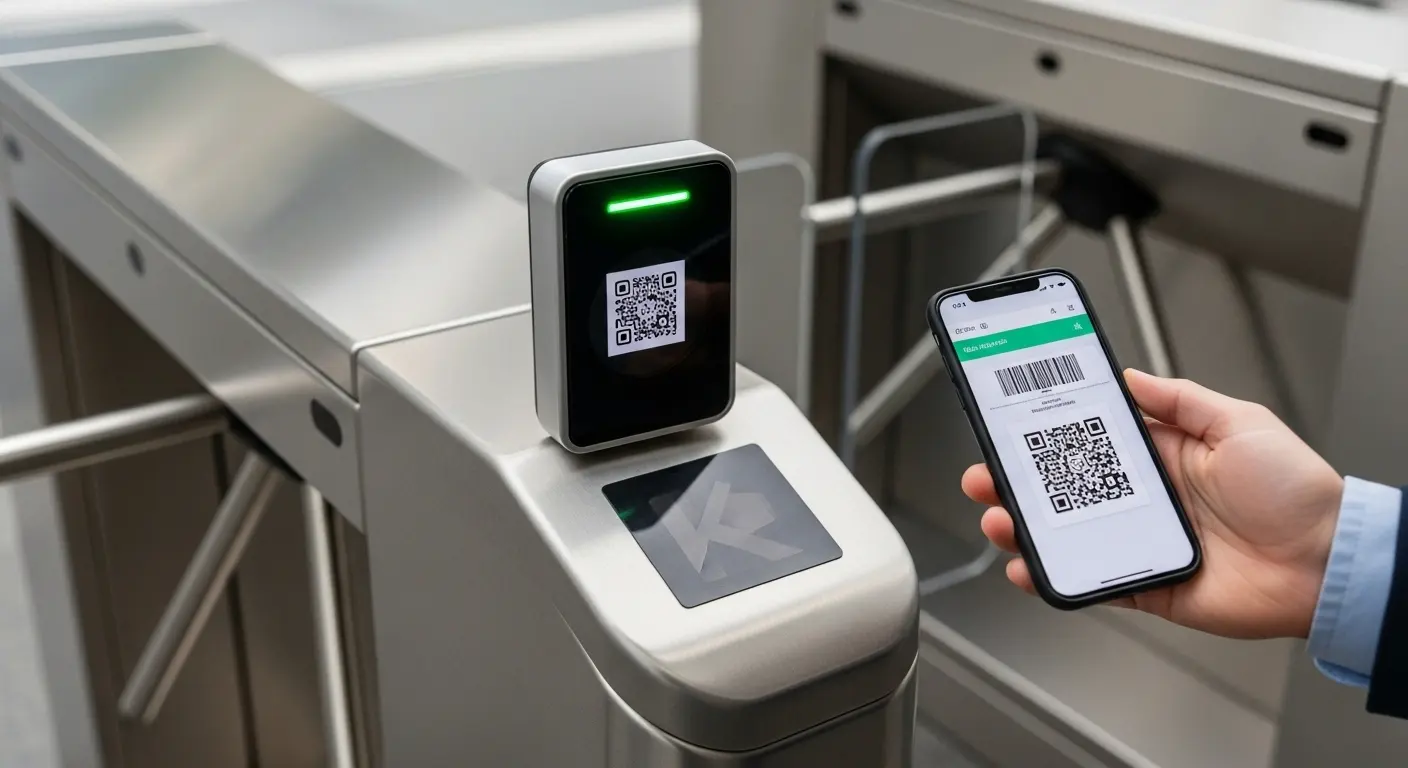
Aturnstile gate with barcode scanner is a motorized pedestrian barrier with an embedded optical scanning module that reads a barcode or QR code credential, verifies it against an authorization database, and controls the gate based on the result.
The scanner reads encoded data from a printed ticket, a phone screen, or any surface where a barcode appears. The gate does not care whether the credential came from a paper ticket, a PDF email attachment, or a transit app — the scanner reads the data string regardless of its physical format. Verification happens against a backend ticketing system, access control database, or cloud platform via API connection.
For a complete overview of Ironman's barcode-compatible gate products, темШтрих-код турникета page covers all scanner-equipped gate models, supported code formats, and system connection options in one place.
How a Turnstile Gate with Barcode Scanner Processes Entry
The entry sequence completes in under 500 milliseconds from scan to gate opening under normal operating conditions. Here is the step-by-step sequence:
Шаг 1 — Credential generation. A ticketing platform, access management system, or booking platform generates a unique barcode or QR code tied to a specific authorized event, визит, or access window. The code encodes an ID string, time-validity rule, and zone permission.
Шаг 2 — Вручение удостоверений квалификации. The platform sends the code to the user — by email, СМС, printed ticket, transit app, or in-person printout at a check-in counter. No physical card is issued, and no hardware needs to be pre-registered to the individual user.
Шаг 3 — User presents the code. The user opens the email, app, or holds up the printed ticket at the scanner window on the gate cabinet. Most modern scanner modules read at 5 to 25cm and compensate automatically for common presentation challenges — phone screen glare, low battery screen dimming, and minor scanning angle variation.
Шаг 4 — Scanner reads and verifies. The scanner captures the code image, decodes the data string, and forwards it to the connected access controller or cloud API. The verification system checks the code against its authorization database — confirming validity, expiry status, and single-use consumption if applicable.
Шаг 5 — отвечает Гейт. A valid code triggers the barrier to open. An expired, used, or unauthorized code keeps the gate closed and fires a visual or audio alert at the gate panel. Каждое событие регистрируется с временной меткой, Идентификатор удостоверения, и расположение ворот.
TheСистема высокоскоростного контроля доступа covers controller and API platform configurations that support real-time cloud verification at the throughput rates high-volume barcode gate deployments require.
1D Barcode vs 2D QR Code: Which Format Should Your Gate Support?
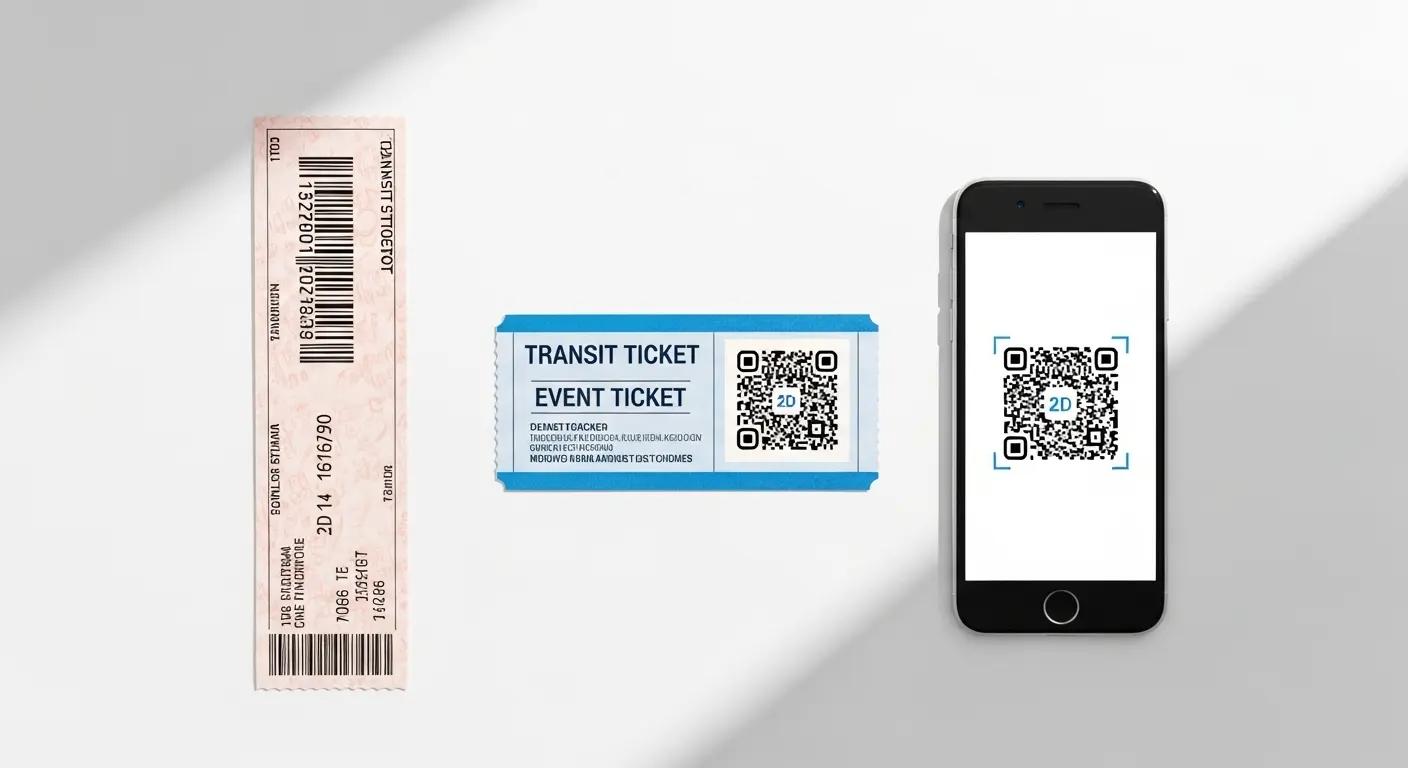
This is the format decision most buyers leave to the scanner supplier — and that creates compatibility problems after deployment. Understanding the difference helps you specify correctly before the gate hardware ships.
1D Linear Barcodes
One-dimensional barcodes encode data in a series of parallel vertical lines of varying width. They are the older format, widely used in legacy transit ticketing systems, retail membership cards, library systems, and paper event tickets issued before QR adoption became standard.
1D barcodes hold less data than QR codes — typically 20 Кому 80 characters. They work well for referencing a short ID string that triggers a database lookup at the scanner. For any site with existing 1D barcode ticket infrastructure, the gate scanner must explicitly support 1D formats — not just QR. Many budget QR-only scanners on the market fail silently on 1D tickets.
2D QR Codes
QR codes are two-dimensional matrices that encode significantly more data than 1D barcodes — up to 4,000 characters in a single code. They can carry encrypted data strings, time-window validity parameters, and user ID information directly in the code body — reducing dependence on a live database lookup for every scan.
QR codes are the dominant format for new turnstile gate with barcode scanner Развертывания. Email ticket delivery, Учетные данные мобильных приложений, and digital visitor passes all default to QR. They are also significantly more resilient to scan-angle variation and partial damage than 1D barcodes, because their error-correction algorithms allow partial code reconstruction from incomplete reads.
Combo Scanners (1D + 2D)
A combo scanner reads both 1D linear barcodes and 2D QR codes on the same hardware — often extending to PDF-417 (boarding pass format), DataMatrix, Код 128, and Aztec code formats used in transit and aviation environments.
For airports, transit systems, and any high-volume environment handling multiple ticket issuer formats, a combo scanner is the only specification that avoids format mismatch failures at the gate. A user arriving with a legacy printed 1D ticket and a second user with a QR boarding pass on their phone both clear the same gate without any configuration change.
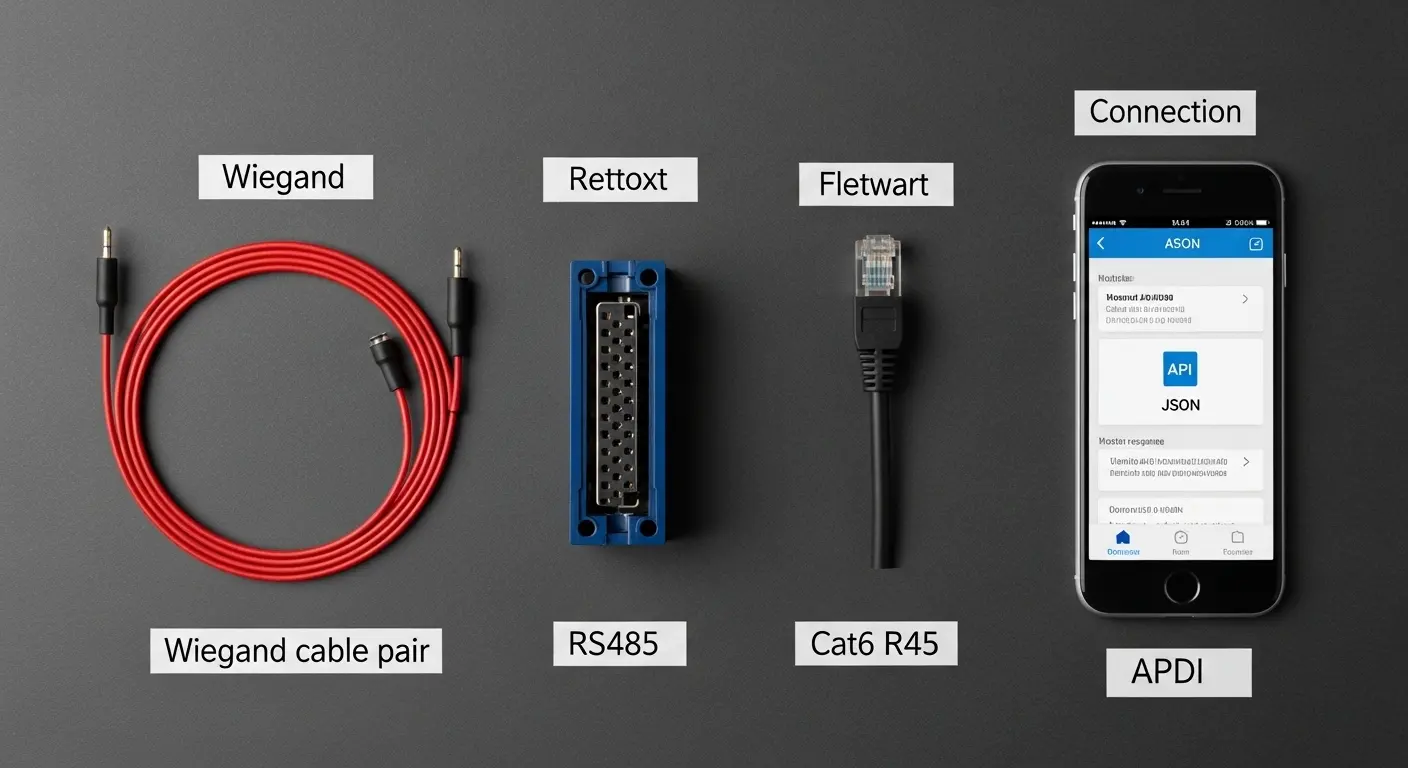
Scanner Output Protocols: Виганд, RS232, RS485 and USB
The output protocol determines how the scanner communicates with the access controller. This is the technical compatibility decision most buyers skip — and it causes the most integration problems during commissioning.
Виганд
The most widely used output protocol in commercial access control systems. Most existing access controllers accept Wiegand signal input natively. A barcode scanner with Wiegand output connects directly to almost any installed controller without additional configuration. If your site already runs an access control platform with Wiegand readers, a Wiegand-output barcode scanner slots in as a direct replacement.
RS232
A serial communication protocol suited to shorter cable runs — typically under 15 Метров. RS232 works well for indoor gate installations with the scanner and controller in close proximity. It requires an RS232-capable controller or a converter to bridge to Wiegand. For older deployed systems, check controller RS232 port availability before specifying this output.
RS485
A differential serial protocol that supports cable runs up to 1,200 meters and resists electrical noise in industrial environments. RS485 suits outdoor installations, long cable runs between gate and controller, and any environment with significant electrical interference from motors or industrial equipment. It also supports multi-drop topology — multiple scanners on a single cable run — useful in multi-lane deployments.
USB
USB output suits direct connection to a PC or local terminal rather than a standalone access controller. Common in event check-in setups where a laptop runs the ticketing software and the scanner feeds credential data directly to the application. Not suited to traditional gate controller hardware, but practical for temporary or portable deployment scenarios.
Turnstile Gate Types That Work with Barcode Scanners
Barcode scanner modules mount on almost any motorized gate cabinet. Gate type determines throughput, Уровень физической безопасности, and environmental suitability.
Speed Gate for High-Volume Environments
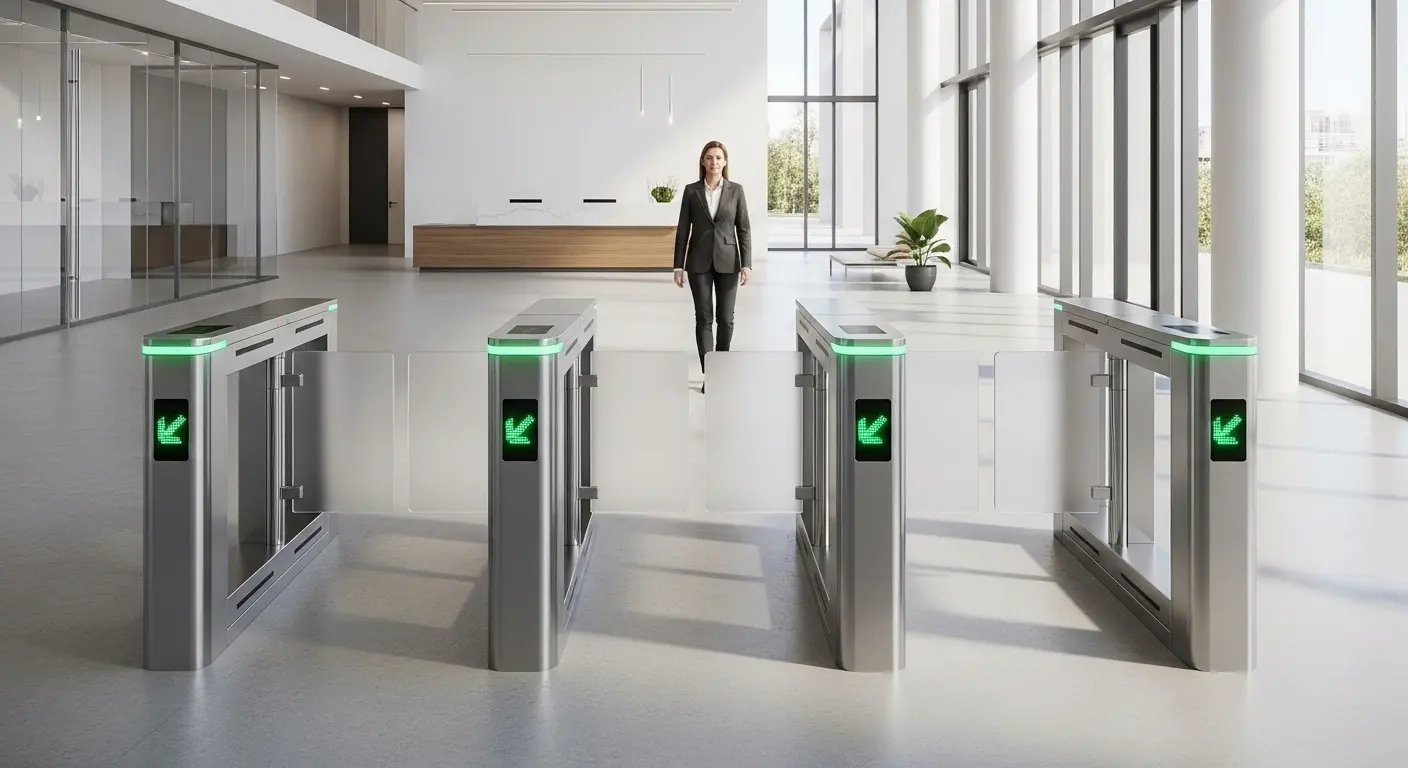
Speed gates deliver the highest throughput of any pedestrian gate type, reaching 45 Кому 50 persons per minute per lane, with retractable glass or acrylic panels and optical tailgating detection. They suit airports, Транспортные узлы, and premium corporate lobbies where both visual design and throughput matter alongside credential scanning. TheСистема скоростных ворот аэропорта is purpose-built for exactly this use case — combining barcode and QR scanning directly with airline DCS connectivity at boarding gate throughput rates. For biometric-plus-barcode hybrid setups, темБиометрический турникет с воротами скорости handles both credential types on the same gate platform.
Flap Barrier Gate for Corporate and Event Use
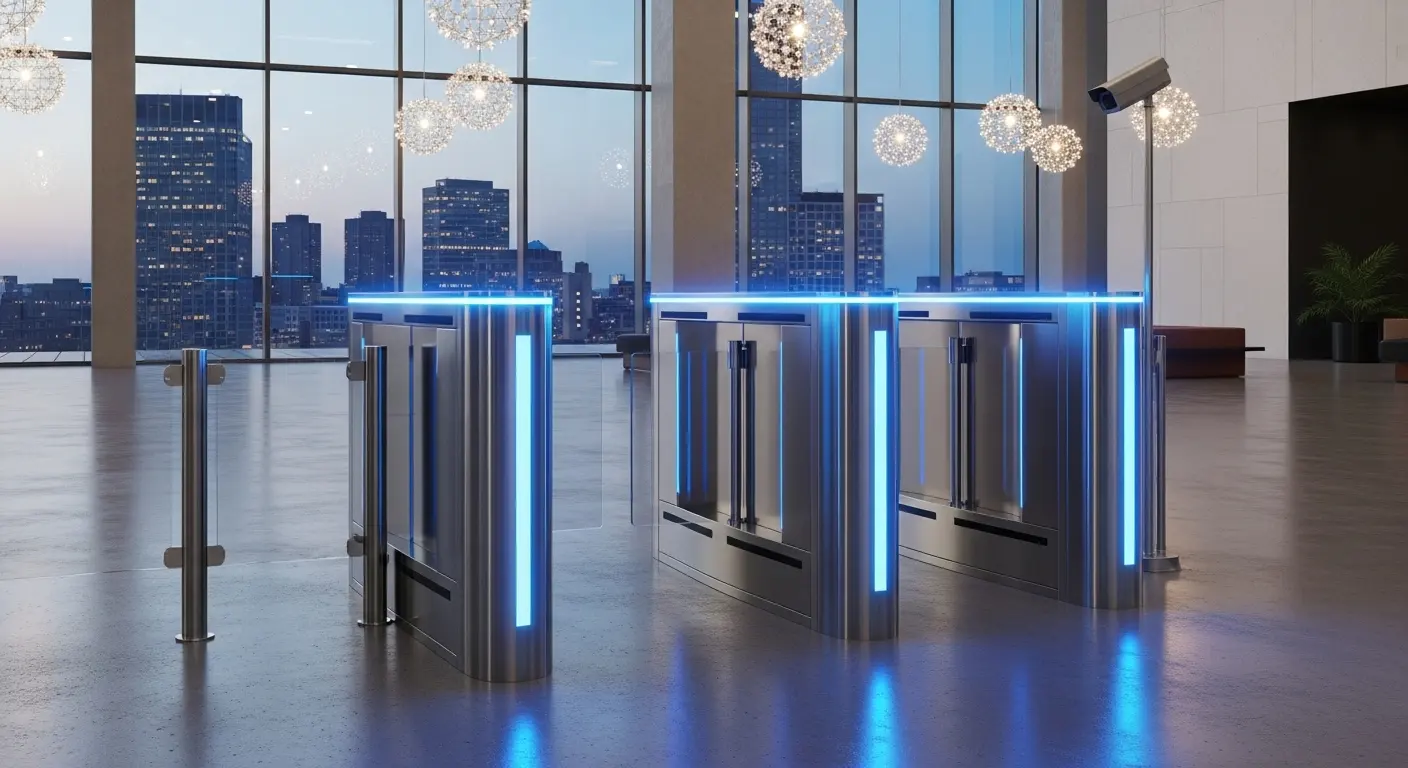
The flap barrier is the most widely deployed turnstile gate with barcode scanner configuration for corporate visitor management and event access. Motorized panels handle up to 45 Человек в минуту. Anti-tailgating infrared arrays run alongside barcode verification — both layers active simultaneously. The wide-lane configuration accommodates visitors with bags, coats, or event programs without requiring them to stop or reposition to present their ticket.
High-Speed Pedestrian Gate for Transit
For transit environments where throughput peaks in short windows — morning rush, stadium exits, concert arrivals — the Высокоскоростные пешеходные турникеты во Вьетнаме delivers barcode scanning alongside high-speed panel operation designed for continuous high-volume transit use. Thetransportation and smart hubs solutions page covers the full configuration for transit-grade barcode gate deployments.
Tripod Turnstile for Lower-Volume Applications
For lower-volume or lower-security environments — fitness center check-in, library membership access, staff cafeteria entry, or community facility management — a tripod turnstile with a barcode scanner module provides ticket verification at a practical cost point. Throughput reaches 20 Кому 25 Человек в минуту, which suits most non-peak environments. См.Вверх 10 Speed Gate Manufacturers page for context on how different gate tiers compare across manufacturer categories.
Сравнение типов затворов
| Тип ворот | Barcode Throughput | Уровень безопасности | Best Use Case |
|---|---|---|---|
| Скоростной гейт | До 50 PPM | Высокий | Аэропорты, транзит, Премиальные лобби |
| Барьер с закрылками | До 45 PPM | Высокий | Corporate visitor, События, Кампусов |
| High-speed pedestrian gate | До 45 PPM | Высокий | Transit rush, Стадионы |
| Триногий турникет | До 25 PPM | Умеренный | Спортивные залы, Библиотеки, cafeterias |
| Турникет во всю высоту | До 20 PPM | Высший | Restricted or secured zones |
Where a Turnstile Gate with Barcode Scanner Works Best
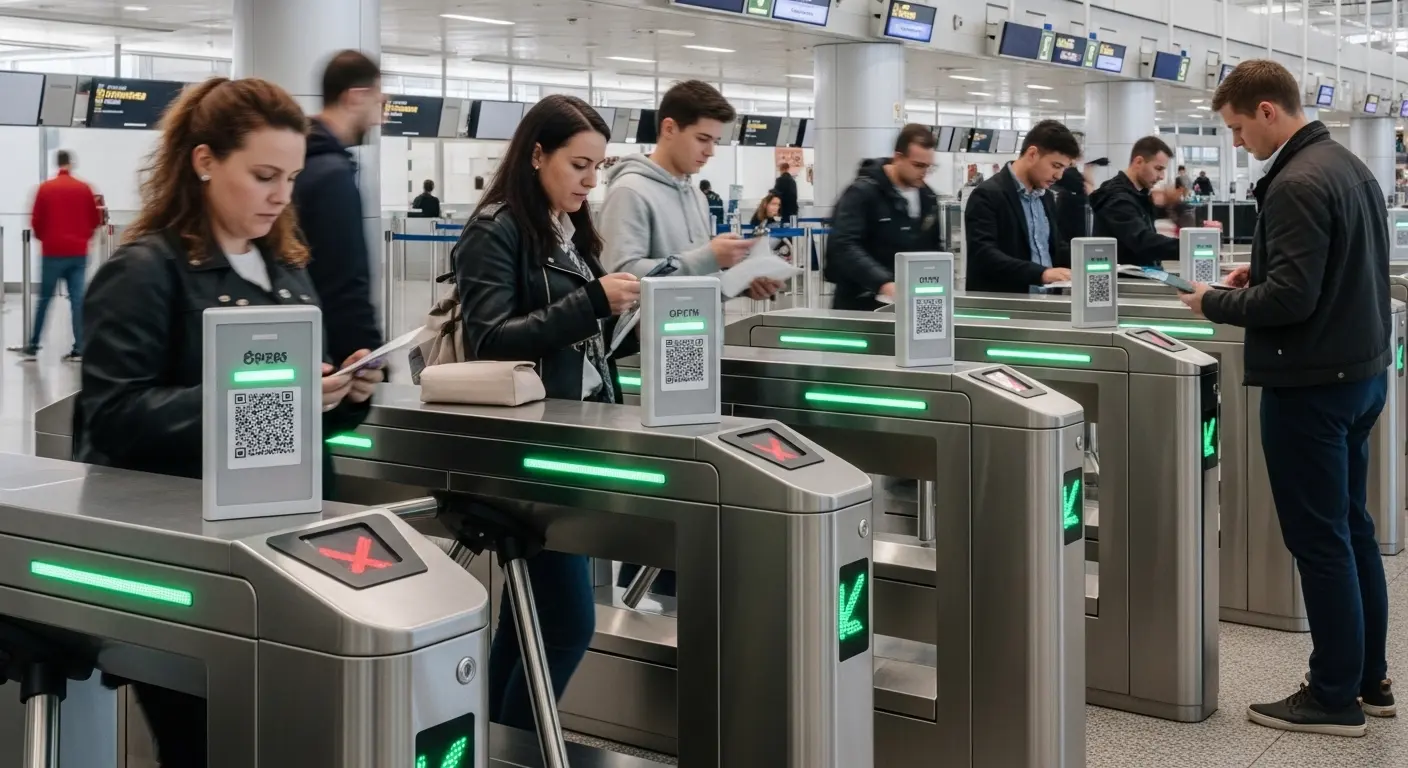
Barcode and QR scanning suits specific deployment scenarios better than any other credential type — particularly wherever the user population rotates rapidly and pre-enrollment is impractical.
Airports and Boarding Gates
Boarding passes carry barcode and QR data by design. Aturnstile gate with barcode scanner reads mobile boarding passes and printed tickets at the same hardware without any passenger registration step. At boarding gate entry, the scanner verifies the passenger against the DCS in real time — opening the gate for the correct flight and denying any passenger on the wrong departing code. TheСистема скоростных ворот аэропорта is configured specifically for this boarding verification workflow at airport-grade throughput rates.
Transit Systems
Paper transit tickets and mobile transit app codes both carry 1D or 2D barcode data. A combo scanner turnstile gate with barcode scanner handles the full format range from a single hardware unit. TheСистема высокоскоростного контроля доступа covers the controller and software configurations that support transit-grade volume — continuous multi-lane operation with sub-500ms verification cycles.
Места проведения мероприятий
Ticket purchasers receive unique barcodes at purchase. Dynamic one-time-use codes prevent duplicate entry. After the event, every scan record becomes a named attendance log. No card issuance overhead, no badge collection on exit, no post-event card deactivation process. For the elevator access extensions sometimes needed in multi-floor event venues, темСчитыватель карт контроля доступа к лифту handles credentialed vertical flow management alongside the gate system.
Corporate Visitor Management
Hosts generate a time-window QR code and send it to the visitor before arrival. The visitor scans at the reception gate, the system logs the visit, and the code expires automatically at the end of the approved window. No visitor card to issue, track, or collect on departure.
Scanner Performance Factors That Affect Real-World Reliability
Getting the gate hardware right is only half of the deployment. Scanner performance under actual site conditions determines whether the system works smoothly every day or generates a constant stream of scan failures and staff interventions.
Scan Distance and Window Size
Most commercial barcode scanners on gate cabinets read at 5 to 25cm from the window. Larger window apertures compensate for users who present tickets at slight angles or varying distances. На практике, a 10 to 15cm comfortable scan distance with a wide reading window reduces scan failure rates significantly compared to tight-range scanners that require precise presentation positioning.
Ambient Light and Outdoor Exposure
Standard barcode scanners perform well in controlled indoor lighting. Direct sunlight creates exposure problems for both the scanner's camera and the user's phone screen — screens become difficult to read in bright sunlight, and the scanner's auto-exposure can struggle to compensate for rapid light transitions near outdoor entry points. For any outdoor or semi-covered installation, specify an IP54-rated scanner with an active illuminator that maintains consistent scan performance regardless of ambient light levels.
Phone Screen Brightness and Battery State
A low-battery phone displaying a credential at minimum screen brightness is a real daily occurrence at event entries and transit hubs. Quality scanner modules adjust their illumination and sensitivity to read even dim screen displays. Confirm this specific capability with the scanner supplier — not all modules handle it equally, and the failure rate difference between budget and quality modules becomes very visible at peak entry windows.
Print Quality and Code Damage
Printed tickets get folded, creased, мокрый, or worn. A QR code missing 30% of its data squares can still be decoded successfully with strong error-correction logic. Confirm that the scanner module handles partially damaged codes in field testing during commissioning — not just pristine test prints under lab conditions.
Common Mistakes When Deploying a Turnstile Gate with Barcode Scanner
Specifying a QR-only scanner for a mixed-format environment. If your environment handles both legacy 1D barcodes and modern 2D QR codes — common in transit systems, Аэропорты, and venues with multiple ticket issuers — a QR-only scanner creates silent failures on 1D tickets. Specify a combo scanner that covers all formats your environment will realistically see.
Ignoring output protocol compatibility. The scanner must output in a protocol the access controller can receive. Specifying a USB-output scanner for connection to a Wiegand controller creates an integration problem that is obvious at commissioning but expensive to fix post-installation. Confirm scanner output format against controller input specifications before ordering hardware.
Failing to load-test the verification API. A backend verification system that responds instantly during a 10-user test may show latency under 300 simultaneous scans at peak event entry. The scan is fast. The API round-trip is where the bottleneck appears. Test the full verification chain under simulated peak load before the system goes live.
Not defining one-time-use code logic before deployment. For any environment where duplicate entry is a security concern — events, транзит, compliance-controlled facilities — define how one-time-use marking works, how fast it propagates across all gates, and what happens if a user scans the same code at two gates within seconds of each other. Build this logic into the platform configuration before go-live, not after the first duplicate entry incident.
Choosing indoor-rated scanners for outdoor installations. Standard scanner modules are rated for indoor, climate-controlled environments. Outdoor or semi-outdoor gate positions require IP54 or higher-rated hardware with operating temperature ranges that match the actual climate. Deploying an indoor-rated scanner at an outdoor transit entry creates a maintenance and reliability problem within the first season.
FAQ: Турникеты с сканером штрихкодов
What is a turnstile gate with barcode scanner?
Aturnstile gate with barcode scanner is a motorized pedestrian barrier with an embedded optical scanner that reads a barcode or QR code credential from a phone screen or printed ticket. The scanner sends the decoded data to a verification system, which checks authorization and triggers the gate to open for valid credentials. No physical access card is required — credentials are generated and delivered digitally. The full scan-to-gate cycle completes in under 500 Миллисекунд.
What is the difference between a 1D barcode and a 2D QR code on a turnstile gate?
A 1D barcode encodes a short data string in parallel vertical lines — common in legacy transit tickets and paper event tickets. A 2D QR code encodes significantly more data in a matrix pattern, supports error correction for partial damage, and is the standard format for mobile credentials, email tickets, and digital visitor passes. For environments handling both format types, a combo scanner reads 1D and 2D codes on the same hardware without configuration changes.
What scanner output protocol does a turnstile gate with barcode scanner use?
Most commercial turnstile controllers accept Wiegand output, making Wiegand the default and most compatible scanner output type for existing access control systems. RS485 suits long cable runs and electrically noisy environments. RS232 works for short indoor runs. USB suits direct-to-PC configurations for event check-in software. Confirm the output format of your chosen scanner against your controller's input specifications before ordering hardware.
Can a turnstile gate with barcode scanner work outdoors?
Да, with the correct hardware specification. Outdoor installations require an IP54-rated or higher scanner module with active illumination to compensate for direct sunlight and ambient light variation. The gate cabinet itself must also carry an appropriate IP rating for the climate. For any outdoor or semi-covered entry point, specify environmental ratings as a requirement — not a preference — in the hardware specification.
How fast does a turnstile gate with barcode scanner process each entry?
Most commercial barcode scanner modules mounted on flap barrier or speed gate systems complete the full scan-to-open cycle in 200 Кому 500 milliseconds under normal operating conditions. Speed gates handle up to 50 persons per minute per lane. Flap barriers reach 40 Кому 45 Человек в минуту. Throughput depends on both gate hardware and the response time of the backend verification system — both must be specified and tested together at peak volume before deployment.
